
Skip to content
Skip to content
RigValut

RigValut

  • PC HUB
  • PC BUILD GUIDES
    • Beginner’s Guide to Building a PC
    • Budget Gaming PC Builds
    • Mid-Range Gaming PC Build
    • High-End Gaming PC Build
  • BUYING GUIDES
    • CPU Buying Guide
    • GPU Buying Guide
    • RAM Buying Guide
    • Storage (SSD) Buying Guide
    • Motherboard Buying Guide
    • Power Supply (PSU) Buying Guide
    • CPU Cooler Buying Guide
    • PC Case Buying Guide
  • PREBUILT PCs
    • Best Prebuilt Gaming PC Under $1000
    • Best Prebuilt Gaming PC Under $1500
    • Prebuilt vs Custom PC Build
  • REVIEWS
    • GPU Reviews (roundup)
    • CPU Reviews (roundup)
  • COMPARISONS
    • RTX vs RX (GPU comparison)
    • Ryzen vs Intel (CPU comparison)
  • BLOG
  • TRUST
    • SIGN UP
    • CONTACT US
    • ABOUT US
    • Editorial Policy
Close Button

Power Supply (PSU) Buying Guide

Power Supply Buying Guide

Everything you need to pick the right PSU — wattage sizing, efficiency ratings, and ATX 3.1 compatibility for modern GPUs. Updated with current pricing
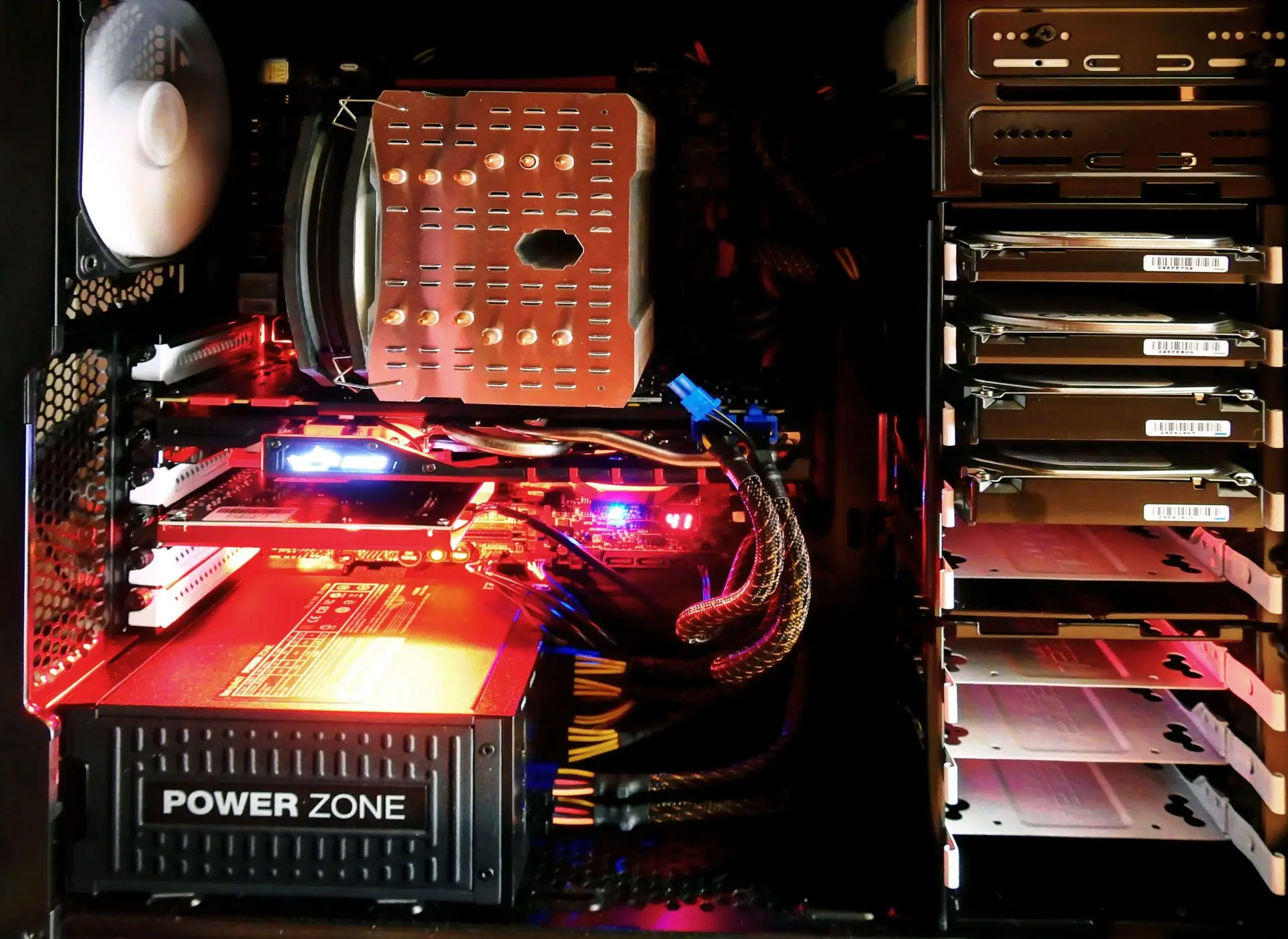
PC tower under red lighting

QUICK PICKS

Best PSU for...

BEST BUDGET
Deepcool PK650D    $70
650W   |   80+ Gold   |   Semi-modular
BEST VALUE
MSI MAG A850GL PCIE5    $107
850W   |   80+ Gold, ATX 3.1   |   Fully modular
BEST HIGH-END
Corsair RM1000x SHIFT    $180
1000W   |   80+ Gold, ATX 3.1   |   Side-cable design

THE BASICS

What actually matters when buying a PSU

WATTAGE

How much you need
750W covers most RTX 5070 builds. 850W is the 2026 sweet spot for RTX 5080. RTX 5090 wants 1000W+.

ATX 3.1 / PCIe 5.1

Why it's non-negotiable now
Modern GPUs draw fast transient power spikes — ATX 3.1 units handle these without tripping shutdown protection.

EFFICIENCY RATING

80+ Gold is the sweet spot
Gold balances price and efficiency well. Platinum/Titanium mainly matter for servers or extreme thermal builds.

MODULARITY

Why it's worth paying forFully modular units let you skip unused cables entirely — cleaner airflow and easier builds, especially in small cases.

FULL COMPARISON

PSU Comparison Table

PSU

Price

Wattage

Ratings

Best for

Deepcool PK650D

$70

650W

80+ Gold

Budget mid-range GPU

MSI MAG A750GL PCIE5

$90

750W

80+ Gold

RTX 5070 builds

MSI MAG A850GL PCIE5 — Best Value

$107

850W

80+ Gold

1440p sweet spot

Corsair RM850x ATX 3.1

$140

850W

80+ Gold

RTX 5080 headroom

Corsair RM1000x SHIFT

$180

1000W

80+ Gold

RTX 5080 / 5090

Corsair RM1200x ATX 3.1

$230

1200W

80+ Gold

RTX 5090 / dual-GPU

FAQ

How do I calculate the wattage I actually need?

Add your CPU's TDP plus your GPU's TBP plus roughly 100W for drives, fans, and motherboard, then multiply by 1.2 for headroom. A Core Ultra 9 285K (250W) with an RTX 5080 (320W) comes to about 804W — an 850W PSU covers that comfortably.

Is ATX 3.1 actually necessary, or is it marketing?

It's a real requirement in 2026. Modern GPUs draw sudden power spikes far above their rated wattage for milliseconds at a time, and older PSUs without ATX 3.1 support can shut down or reboot the system when that happens.

Should I buy more wattage than I need for future upgrades?

A modest buffer is smart — going one tier up (e.g. 850W instead of 750W) costs little extra and covers a future GPU upgrade. Jumping straight to 1200W+ for a mid-range build wastes money on capacity you'll likely never use.
  • How to Build a Gaming PC: Complete Step-by-Step Guide
  • Best Prebuilt PC in 2026: 8 Tested Picks & Real Prices
  • Best Prebuilt Gaming PC — Top 10 Picks
  • Best Gaming PC:Builds for Every Budget
  • AMD vs Intel CPUs in 2026: Real Prices & Benchmarks
SIGN UP
About Us
Reviews
Sitemap
CONTACT US
Editorial Policy

Gamers Hub WordPress Theme By Themespride

×

Table of Contents