
Beginner's Guide to Building a PC
The hardest part of your first build isn't the assembly — it's knowing which parts to actually buy. This guide breaks down three build tiers in full, so you can pick the one that fits your budget and copy the parts list directly
HOW TO CHOOSE
What actually matters when picking parts
CPU
Pick your platform first
Choose AM5 (AMD) or LGA1700 (Intel) before anything else — every other part depends on this decision. AM5 has a longer upgrade runway ahead, since AMD has committed to supporting the socket through more CPU generations. LGA1700 is nearing end-of-life, so treat it as a "buy and keep" platform rather than one you'll upgrade later
GPU
Usually the biggest line item
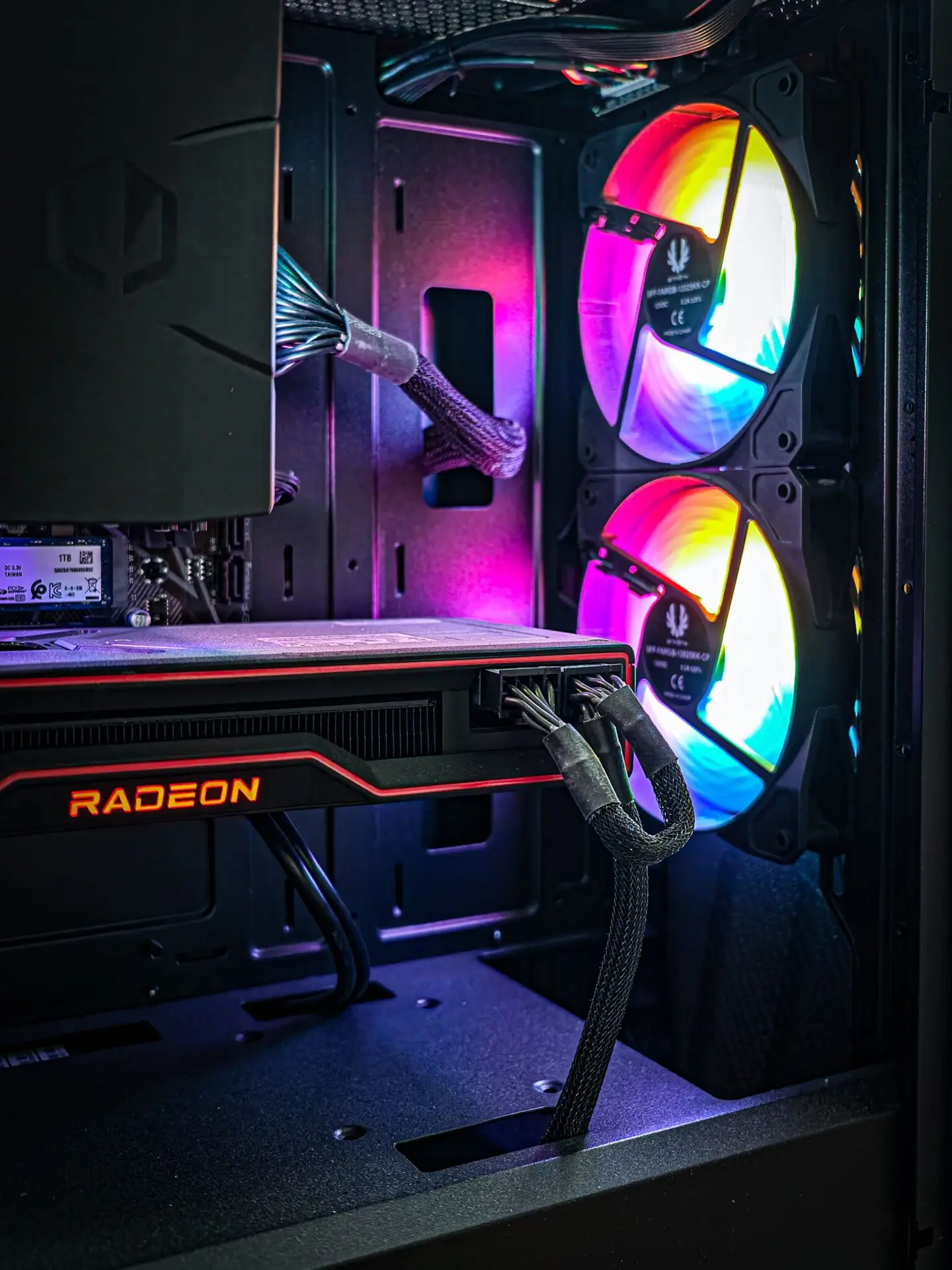
Spend 35–45% of your total budget here — it affects your actual gaming experience more than any other single part. Don't split the difference between a good CPU and a weak GPU; a strong GPU paired with a modest CPU almost always outperforms the reverse for gaming.
RAM
16GB minimum, 32GB safer
DDR5 is standard on current motherboards; DDR4 only applies if you're on an older/budget board. Always buy two sticks (dual-channel) instead of one — a 2x16GB kit outperforms a single 32GB stick at the same total capacity, because dual-channel roughly doubles memory bandwidth
Storage
NVMe SSD, no exceptions
A 1TB NVMe drive is the realistic baseline in 2026 — modern game installs regularly exceed 80–100GB each. Traditional hard drives (HDDs) only make sense now as cheap bulk storage for media libraries, not for your OS or games.
PSU
Don't cheap out here
Undersized or low-quality power supplies are the single most common cause of instability, random shutdowns, and dead components. Buy 80+ Gold certified with headroom above your GPU's rated draw — never buy the exact minimum wattage
Case & Cooling
Check clearance before you buy
Confirm your GPU's length and CPU cooler height fit inside your chosen case before ordering — this is the #1 build-day surprise for beginners. Cases with mesh front panels generally run several degrees cooler than solid-front "looks first" designs
"our CPU buying guide"
BEST BUDGET — ~$650
The 1080p Build
Smooth 60fps+ in most titles at 1080p. This is the tier for someone who wants to actually play modern games without stretching their budget
Why this tier:
the Ryzen 5 5600 and RTX 4060 are both a generation or two behind the newest releases, which is exactly why they're cheap right now — performance-per-dollar is still excellent for 1080p, and the included stock cooler means no extra spend there.
Best paired with:
a 1080p 144Hz monitor — this build has more than enough GPU headroom to push high refresh rates at 1080p rather than being capped at 60fps.
Upgrade path:
swap the GPU for an RTX 5060-class card later without touching anything else — the rest of the platform (CPU, RAM, PSU) has room to carry a stronger GPU for a few more years
Prebuilt vs Custom PC Build
BEST VALUE — ~$1,100
The 1440p Sweet Spot
The tier most people should actually buy. Enough headroom to run 1440p comfortably today and stay relevant for 3–4 yearsBEST HIGH-END — ~$2,200
The 4K / High-Refresh Build
Built for 4K gaming or high-refresh 1440p with ray tracing turned on. Overkill for most people — exactly right for enthusiastsWhy this tier:
the RTX 5080's 16GB VRAM and DLSS 4 handle 4K and ray tracing without compromise, and the i7-14700K's 20 cores keep up with heavy multitasking or streaming alongside gaming — this build has no obvious bottleneck at any resolution.
Best paired with:
a 4K 120Hz+ monitor or a 1440p 240Hz+ panel — either resolution/refresh combination is well within this build's capability.
Upgrade path:
this is close to a "final form" build for the current generation — the realistic next step is the GPU alone (RTX 5090-class) rather than a platform change, since the i7-14700K is on Intel's outgoing LGA1700 socket.
Which Tier Should You Pick?
Just want to play games well at 1080p,on a tight budget? → Best Budget
Want 1440p now and don't want to upgrade again for years? → Best Value
A Note on Prices
Prices shown are street-price estimates and will drift with regional availability, sales, and currency conversion — treat the parts list as the fixed reference and the price as a rough guide. Always cross-check current pricing before finalizing a build.