
Prebuilt vs. Custom PC Build
Which Should You Buy in 2026?
If you're shopping for a new gaming PC, the first decision isn't which parts to pick — it's whether to buy a prebuilt or build one yourself. Both routes get you to the same place, but they trade off differently on price, time, and control. Here's how to decide in under five minutes, plus the real numbers behind “custom builds save money.”
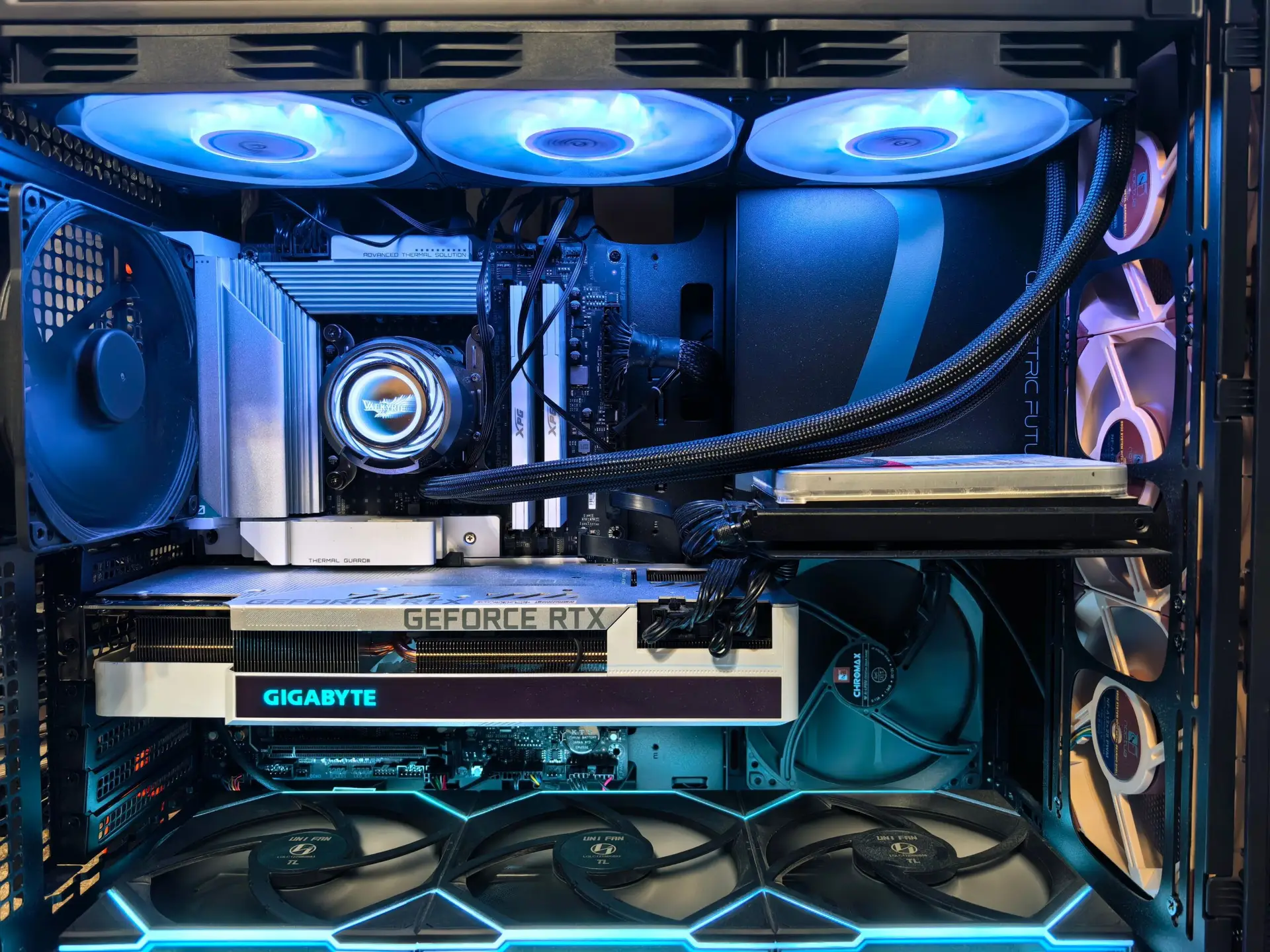
Quick Answer
Buy prebuilt if you want it working today with one warranty to call. Build custom if you want the best price-to-performance and don't mind 2–4 hours of setup. Most buyers save 10–20% by building, but prebuilts remove nearly all the risk and effort.
Prebuilt vs. Custom: Side-by-Side Comparison
How Much More Does a Prebuilt Actually Cost?
The gap isn't fixed — it grows as the build gets more expensive, since assembly, testing, packaging, and retailer margin scale with the size of the order. Here's what the same spec list typically costs both ways, based on current 2026 pricing:
Prebuilt PCs: Pros and Cons
Pros
• Ready to use out of the box — no assembly, no troubleshooting
• One warranty and one support line for the whole system
• Often includes OS, cable management, and stress-testing done for you
• Frequently discounted through bundle pricing or sales events
Cons
• Weaker price-to-performance than the same parts bought separately
• Some manufacturers use proprietary PSUs or motherboards that limit upgrades
• Component choices (RAM speed, PSU quality, case airflow) aren't always disclosed clearly
• Less control over aesthetics — RGB, case style, cable routing
Custom Builds: Pros and Cons
Pros
• Best price-to-performance — every dollar goes into parts, not assembly or margin
• Full control over every component, including quality of PSU and cooling
• Fully upgrade-friendly since you control the platform from day one
• You learn your system, which makes future troubleshooting far easier
Cons
• Requires 2–4 hours of hands-on assembly plus OS/driver setup
• No single point of support — you're the one diagnosing issues
• Easy to make a compatibility mistake without a compatibility checklist
• Warranty claims mean dealing with each manufacturer separately
FAQ